Modeling for execution#
BPMN is designed to support business process management for both business and technical users. Its visual notation makes models easier to understand than equivalent code while still allowing complex, executable behavior to be expressed.
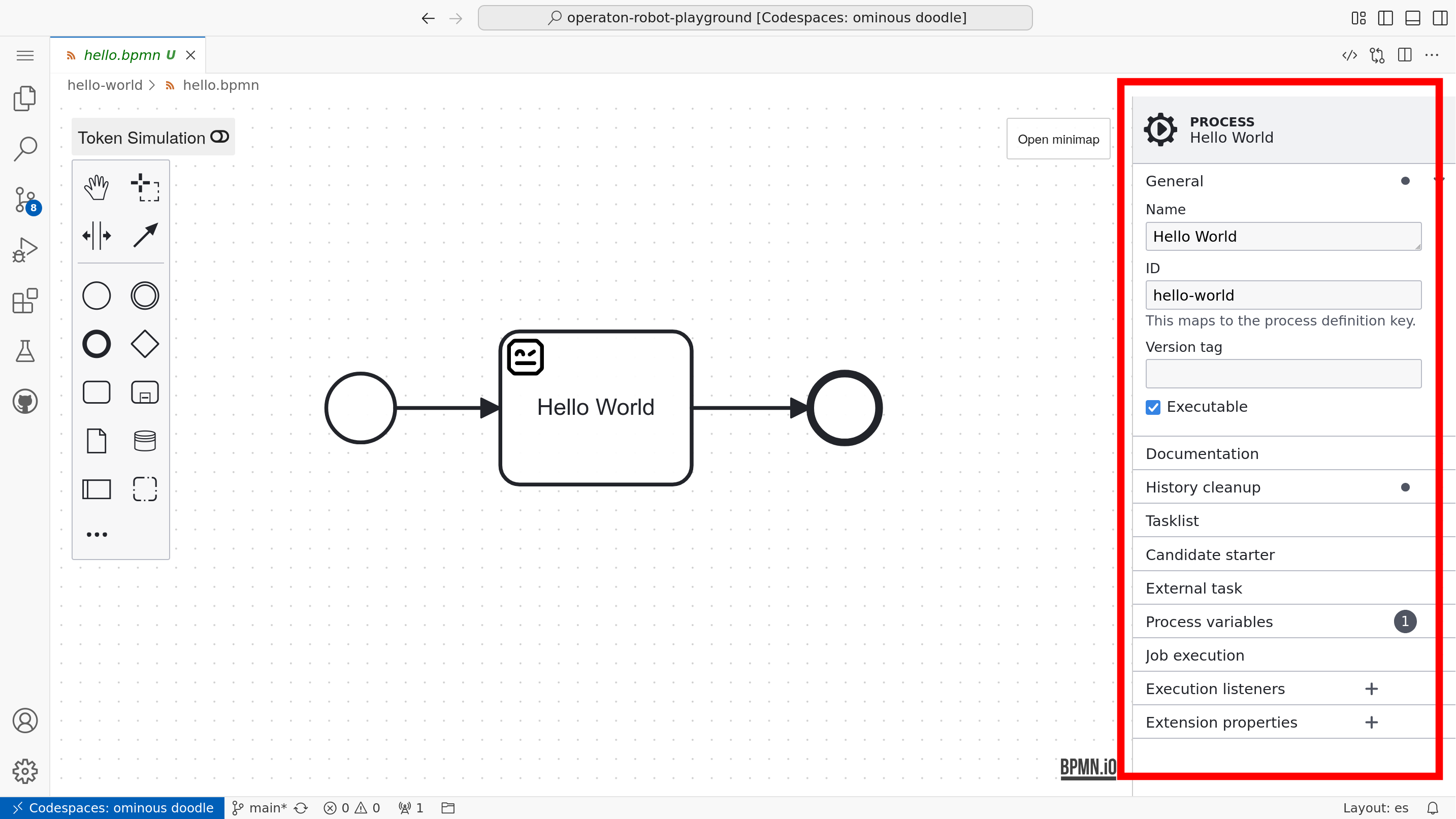
Although the visual notation is standardized, concrete execution behavior depends on engine‑specific attributes stored in the model XML. For Operaton, these are configured in the properties panel.
Tip
In the playground you can create a new BPMN file directly in VS Code using the Command Palette (Ctrl+Shift+P → BPMN Modeler: Create New Diagram) or by right-clicking a folder in the Explorer. You can also run pur operaton create hello-world.bpmn in the terminal.
Once open, models can be deployed directly to the running Operaton engine using the Deploy button in the modeler toolbar, or via pur run hello-world.bpmn.
Process name and ID#
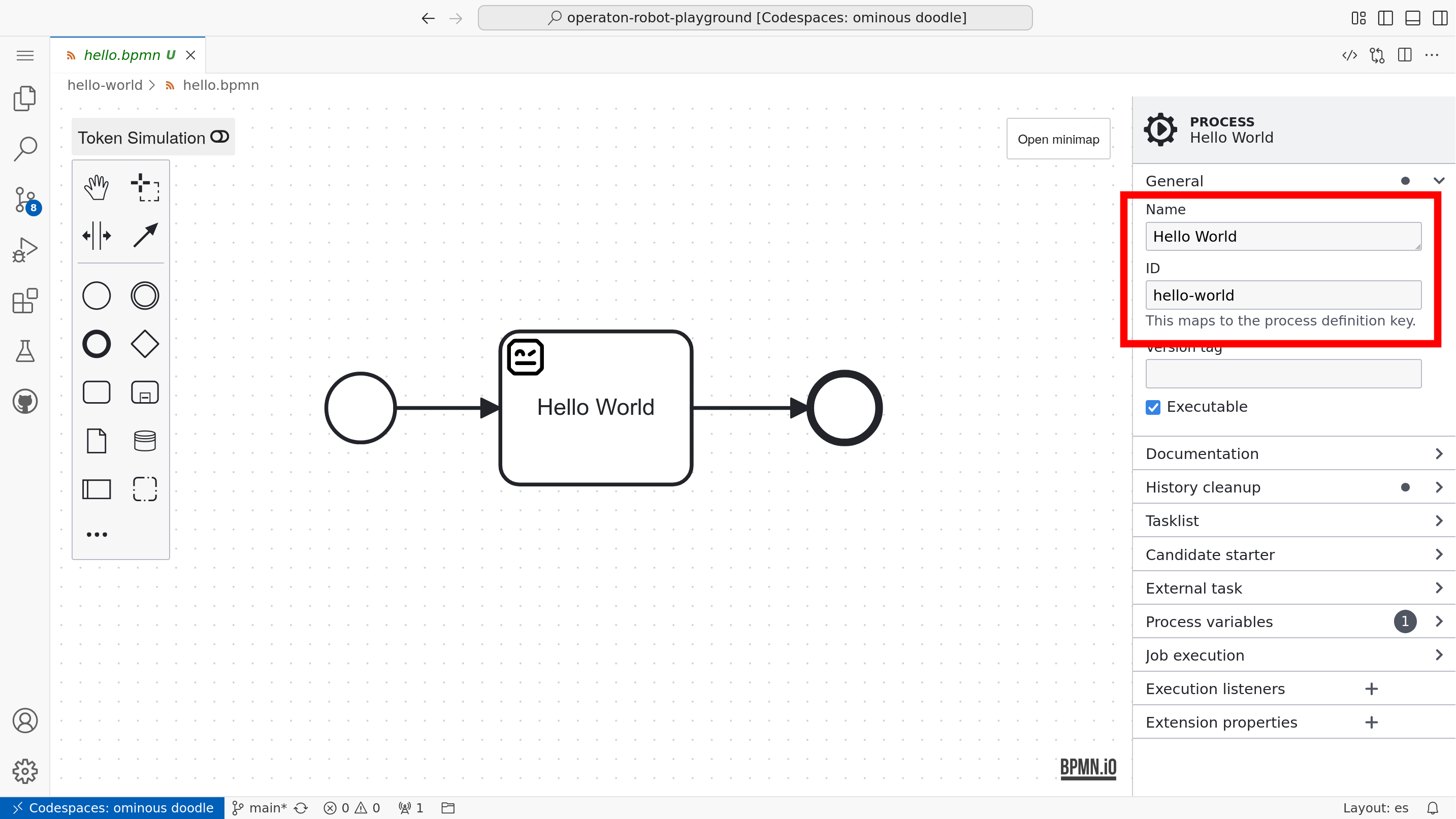
Every BPMN 2.0 process definition intended for execution should have:
a descriptive display Name
a unique definition ID
the Executable option checked
These process‑level settings are available in the properties panel when no element is selected.
In Operaton, you must also set a Time to live value that defines when historical execution data for completed processes may be cleaned up.
Note
When using pools, set the process Name and ID on the Pool element.
Gateway paths#
Execution configuration includes how  Exclusive Gateways and
  Inclusive Gateways determine which outgoing path a token should follow.
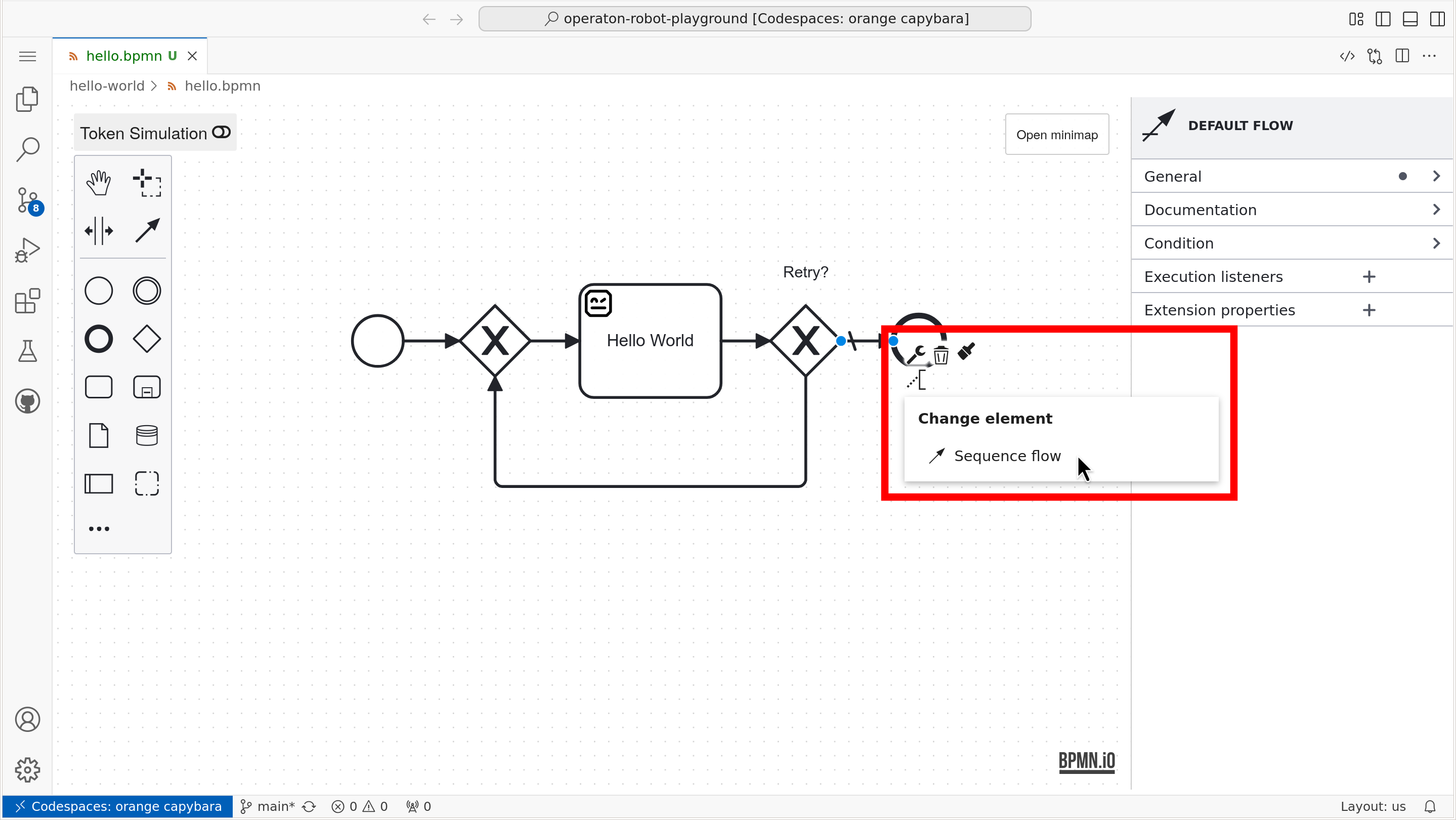
One of the outgoing paths of an Exclusive Gateway can be marked as the default path using the element context (modeling) palette.
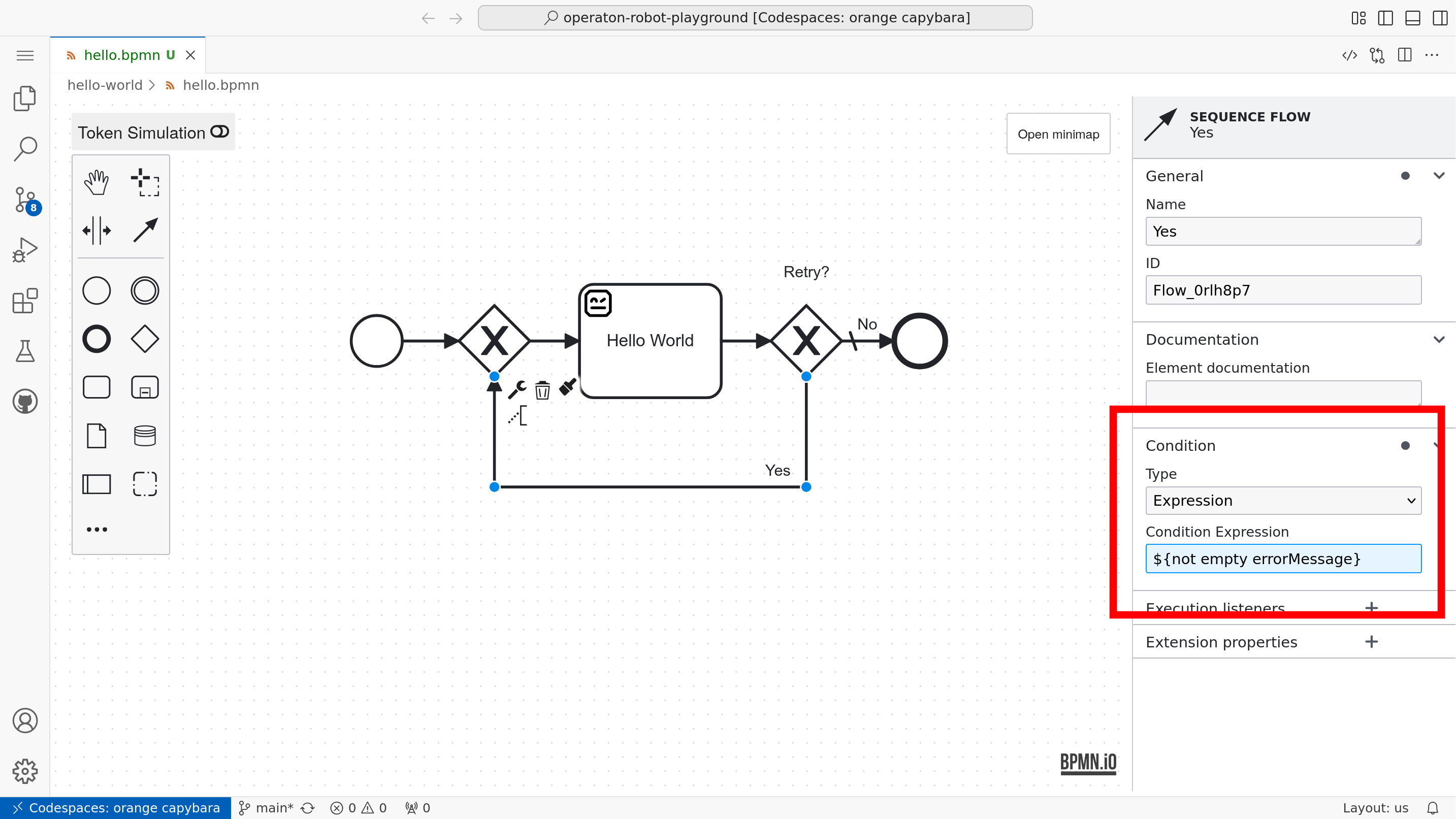
All other outgoing paths should define a condition expression using the expression language.
User tasks#
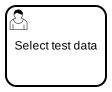 User Tasks are tasks performed by humans. They model interactions between a process and its users.
In practice, a User Task is implemented by presenting the user with a form (e.g. in a custom task list application). The form can display process variables and allow the user to update them. The completed form is submitted back to the engine via its API.
External task pattern#
An External 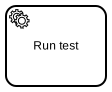 Service Task delegates work to be performed outside the engine—such as calling external services or executing long‑running operations. The playground supports implementing external tasks with Robot Framework or Python.
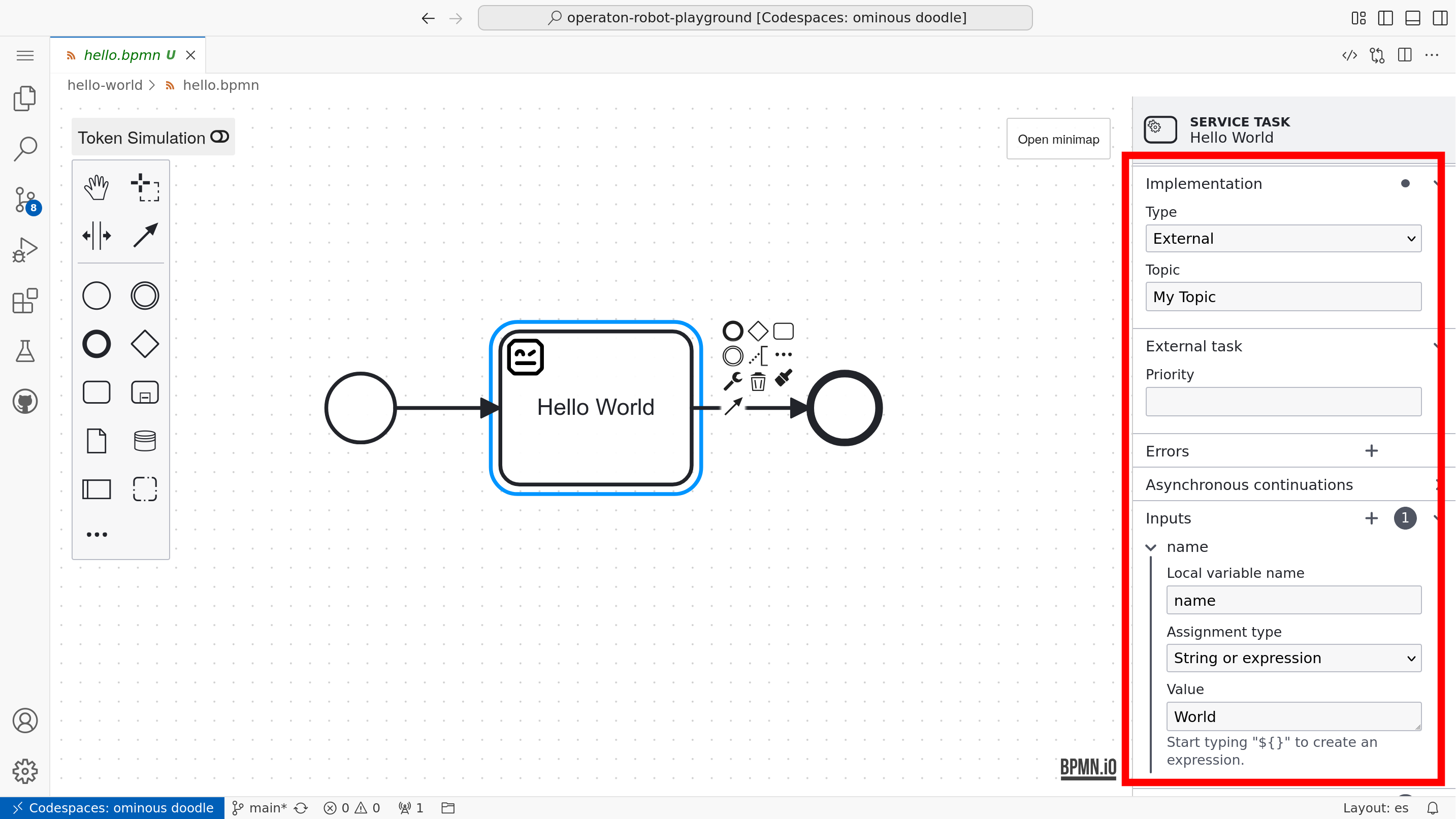
To configure an external task in your BPMN model:
Add a
Service Task to your process diagram.Set Implementation in the properties panel to
External.Specify a Topic: define a topic name that external workers will subscribe to. This acts as a queue that task workers will fetch and complete.
External task workers (e.g. purjo) poll the Operaton REST API for tasks with the specified topic, execute the required work, and report completion back to the engine.
Tip
In the playground a dedicated plugin renders a 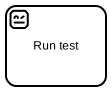 robot icon for any Service Task whose ID contains the word robot.
Inputs and outputs#
Note
Inputs and outputs are an advanced concept. Feel free to skip this section until you are comfortable executing processes using only process‑level variables.
Process variables store data that can be accessed and manipulated throughout the lifecycle of a process instance. In addition to process‑level variables, the Operaton engine supports nested variable scopes. These scopes are usually managed with input and output mappings for  tasks and
  sub‑processes.
Using inputs and outputs is optional, but they enable you to:
Separate generic, reusable service tasks (with generic “arguments”) from domain‑specific process variables.
Reduce the risk of concurrent tasks overwriting each other’s process variables.
To configure input and output mappings for a Service Task, select the task in the modeler and use the Inputs and Outputs sections in the properties panel.
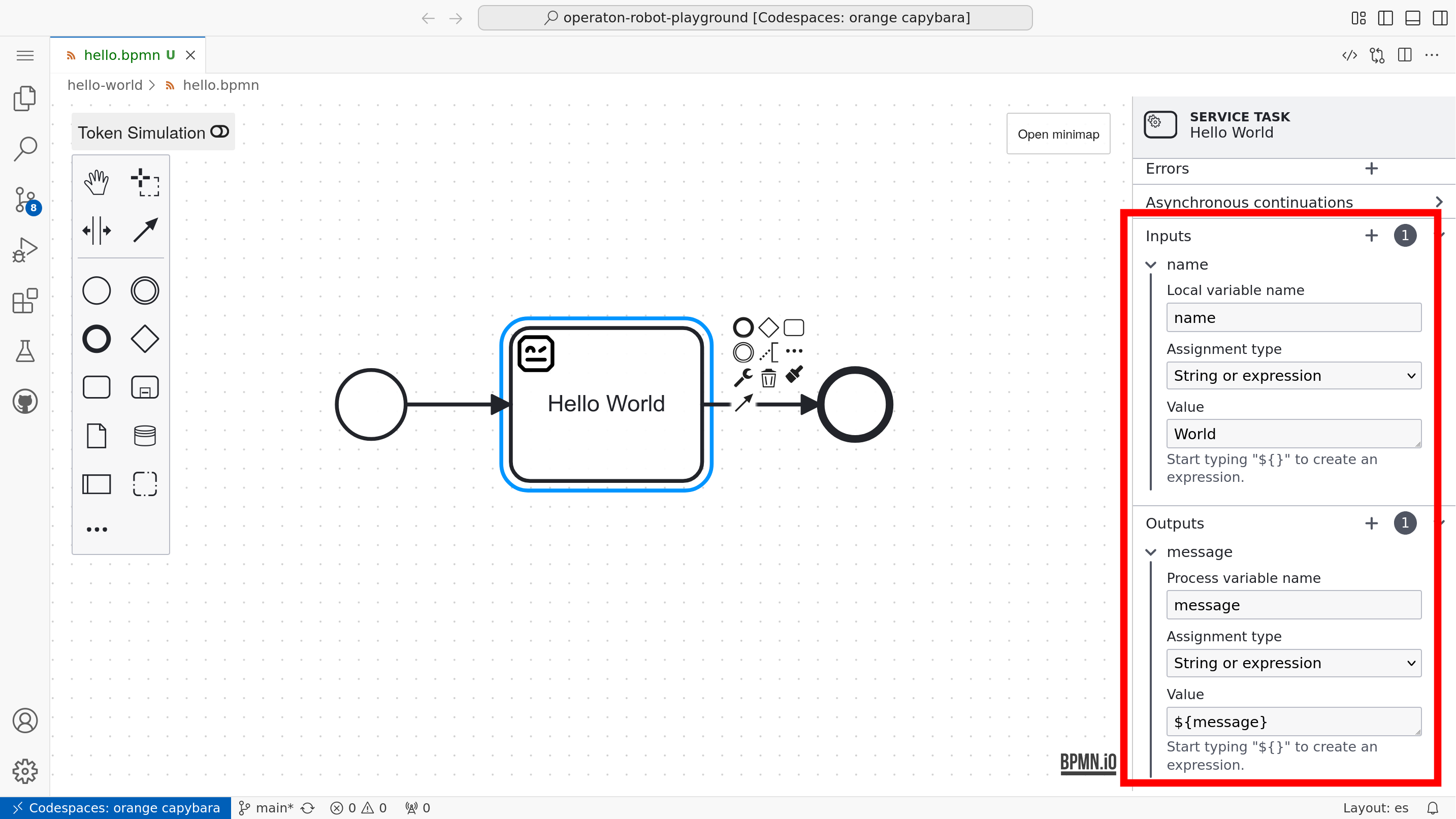
The default expression language for input mappings in Operaton is JUEL, which lets you reference process variables and perform simple operations on them.
Warning
Variables mapped in Service Task inputs exist only within the task. After the task completes, they are no longer accessible unless exported via outputs.
Tip
Inputs and outputs can map domain‑specific process‑level variables to generic task‑level variables, enabling generic, reusable external task workers—analogous to how functions are defined and invoked in traditional programming.
Tip
File variables must be mapped with the special expression ${execution.getVariableTyped("name")}; otherwise they may be coerced to the generic “Bytes” variable type.